

The Envision AI Glasses are similar to OrCam MyEye Pro. The Envision AI (artificial intelligence) Glasses are built around the Google Glasses.
Fortunately, the Envision AI group have a series of excellent videos on YouTube explaining the function and use of the Envision Glasses.
There are three Editions of the Envision Glasses:
The Reading Edition ($1899)
The Home Edition ($2499)
The Professional Edition ($3499)

The Envision Glasses Home Edition Can do the same things that the OrCam Devices can. You can read the text of a book, a sign on a door, or a restaurant menu. You can identify colors, currency, products, and faces.
One of the major advantages of Envision Glasses is the exceptional integration of artificial intelligence. For example, after you have taken the picture of an article or a page of a book, you can say, “summarize this article.” Envision Glasses will then provide a short summary of the article and read it out loud for you. If you take a picture of a restaurant menu, you can say, “tell me about the appetizers” or “what is the price of the cheeseburger?” Envision Glasses will provide you with the answer to what you want to know.
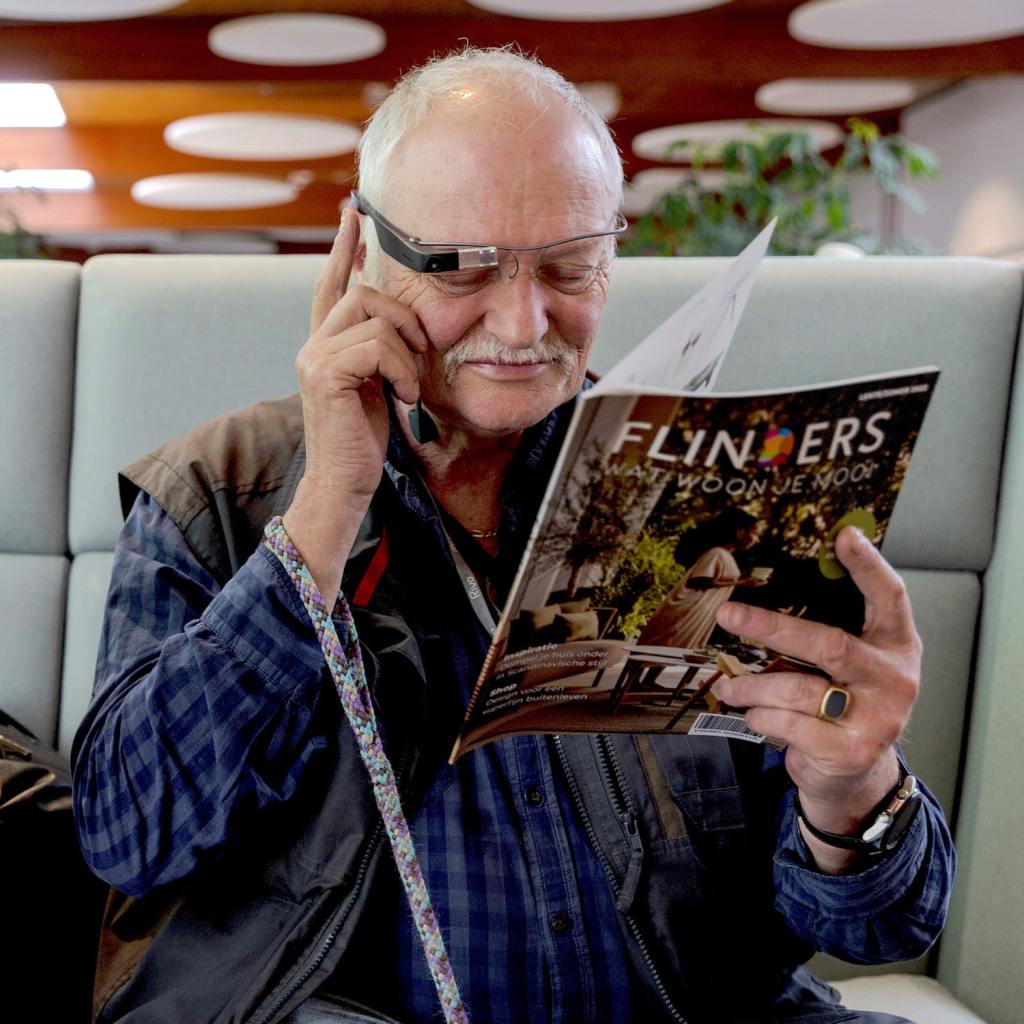
An advantage of the artificial intelligence is that you can phrase your questions in simple everyday language. Envision Glasses will then understand you and provide you with a straightforward answer. You do not have to worry about giving an exact command for everything you want to know.
Envision Glasses have an extensive menu structure for reading or identifying things in your environment. These menu items can be accessed by tapping and swiping on the arm of the Envision Glasses. As you go through these menu items, a voice will announce where you are and what actions will be taken. However, you can skip all of that tapping and swiping by using voice commands.
To use voice commands you must press the hinge button next to the lens and arm of the Envision Glasses.
With a press on the hinge button, Envision Glasses will begin to listen to you. You then give a command such as, “start instant reading” or “start batch scanning.” The Envision Glasses will place you in the correct menu and perform the required action.
Importantly, you can make phone calls in order to get assistance or information. The Envision Glasses are paired with your smart phone. The phone calls are made to individuals (family or friends) you have placed in your Envision Ally App. Any individual you have in the app would be one of your “allies.” You can give the instruction to the Envision Glasses, “call an Ally.”
When you call your Ally, i.e. a friend or family member, the Ally will see what you are looking with the Envision Glasses camera. So for example, if you were off course the Ally could see your environment and help direct you to a secure location. Perhaps you are looking at the map of the building you are in. Your ally can also see the map and then help direct you through the building to something like the nearest bathroom. Making a phone call to an ally is like having your friend right next to you.
The Envision Glasses have a possible drawback in that they are a bit conspicuous when you are wearing them. You might remember the controversy that the Google Glasses created when first introduced. This controversy prevented the Google Glasses from becoming very popular. People were quite leery of being photographed and recorded by a pair of AI glasses. Perhaps today there there is less anxiety given that many people are often taking pictures and videos with their smartphones.

Interestingly Facebook and Ray bent have come out with a pair of sun glasses that take photographs and videos of your environment while you are wearing them. These are called the Ray-Ban Story Wayfare Smart Glasses and only cost $240. I will discuss these glasses in another blog post.
I personally like the Envision Glasses and highly recommend them for the follow reasons:
- Built-in voice commands
- AI with natural speech commands
- Call an ally
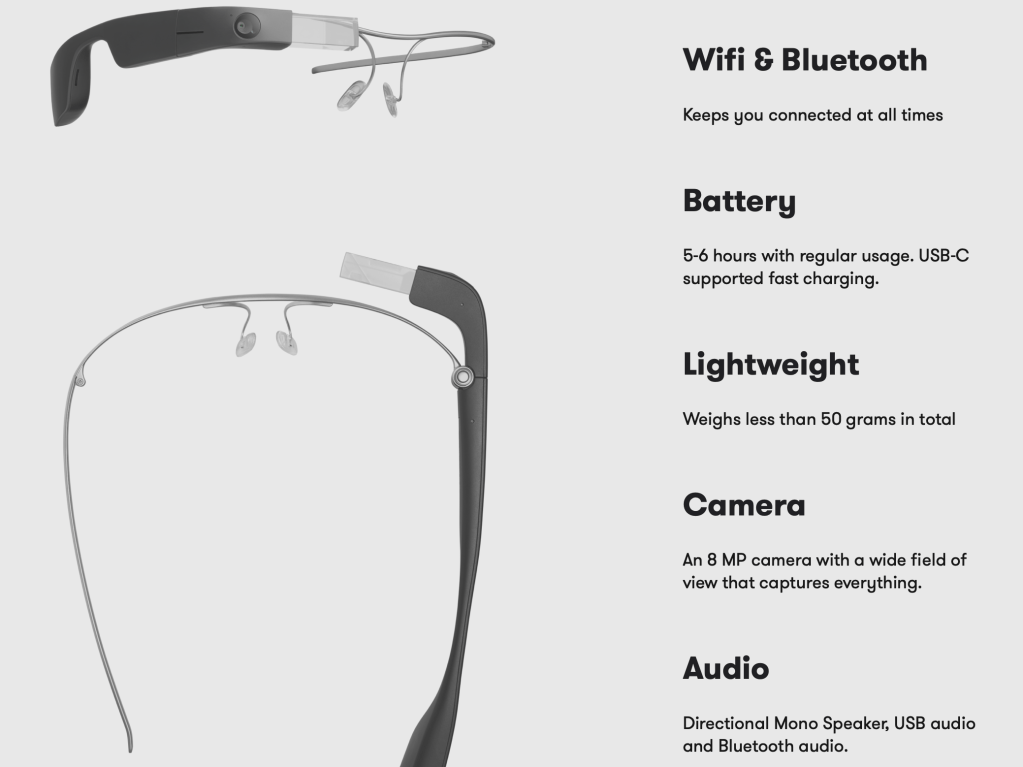
- Good battery life with sleep mode.
 James Nuttall, PhD
One response to “Envision AI Glasses”
[…] an earlier blogpost, read here, I listed a few applications that can transform a print book into an audio experience. The two […]
LikeLike